top of page


6 Canvas Apps Updates Worth Knowing About Right Now
The Power Apps team has been busy. Across the next few months, a handful of meaningful Canvas Apps updates are landing — some already live, some rolling out shortly. Here's what's coming and what it means in practice. 1. The Modern Data Grid is Generally Available The Data Grid — Power Apps' Fluent-based replacement for the classic Table control — is now GA across all environments. If you're still on the old Table control, it's time to move. What you get: automatic virtualiza
Jul 312 min read


16 Questions That Find Money In Your Business (Power Platform Cheat Sheet)
Most business owners don't know they're bleeding money. They just know something feels slow. Here are the exact questions we ask on every discovery call. If they hesitate on even one — there's money on the table. 💸 1. Missed Appointments & No-Shows "How much revenue did you lose last month from cancelled appointments — and how are you currently reminding people?" ✔ Fix it with Power Automate + Copilot Studio 🕳️ 2. Leads Falling Through the Cracks "What happens to a lead tha
May 42 min read

VNet for Dataverse - How to not get your data stolen
If I asked you what VNet integration for Dataverse was you'd probably think, "That's some nerdy Azure stuff that doesn't apply to me." Here me out - it's way easier than you think, and may even be the perfect fit for your project. "Everyone has a plan, until they get punched in the face" -Mike Tyson VNet Integration in Plain English: Connects to Azure Easier VNet integration simplifies connecting rom Dataverse to your Azure resources. e.g. If you connect Datave
Apr 132 min read


M365 Makeover: App Builder, Workflows & Agents
If you're going to use the M365 Personal Productivity tools, you should understand 𝘄𝗵𝗮𝘁 𝘁𝗵𝗲𝘆'𝗿𝗲 𝗺𝗮𝗱𝗲 𝗮𝗻𝗱 𝗻𝗼𝘁 𝗺𝗮𝗱𝗲 𝗳𝗼𝗿 and most importantly, where they actually live. 🔁 Workflows = Automation Use it when you want to automate tasks across Microsoft 365. Example: “When I get an ‘Account Expired’ email → add item to tomorrow’s standup.” ✔ Uses Microsoft apps ✔ AI prompts for logic ✔ Lives in Power Platform environment ❌ Cannot use external connectors (
Feb 191 min read


Perfect Table Checklist
It's so easy to build a Dataverse table now with AI, unfortunately it also means it's so easy to miss critical configurations that are so hard to undo later. 1️⃣ Naming matters - It's more than just vanity Avoid adding “s” to table names. 𝘞𝘩𝘺 𝘉𝘪𝘨 𝘩𝘦𝘢𝘥𝘢𝘤𝘩𝘦 𝘭𝘢𝘵𝘦𝘳? -> Dataverse automatically pluralizes it and now you're testing Web API calls and cant remember if its new_cars, new_cares, new_carss? 2️⃣ Many-to-many - It saves clicks but causes earthquates Nativ
Feb 111 min read


8 tech skills to learn that AI cannot replace
Copilot is getting better every day. That doesn’t mean you should try to learn faster.... The real advantage is learning what AI can’t do. We've carefully examined which areas are the hardest for Claude and Copilot to dominate, and noticed 8 key patterns. 𝗣𝘂𝗿𝘃𝗶𝗲𝘄 Organizations will never trust AI to govern AI, that's where you come in. 1. Deciding what data should be governed 2. Defining classification and sensitivity levels 3. Translating regulations into enforc
Feb 41 min read


Comprehensive Copilot Studio Licensing Guide
Microsoft’s Copilot Studio gives you powerful tools to build AI-driven agents, automate workflows, and integrate advanced models like GPT-4.1 and GPT-5. But its pricing can feel confusing—credits, packs, pre-purchase plans… what does it all mean? We collaborated with the talented licensing expert Michael Morrison to create this guide.
Dec 9, 20251 min read


How to make $2.2M as a Power Platform Freelancer
If you want to learn how to be this successful of a Freelancer, check out his course: francomusso.com/extralife Use promo code "sean" for a discount
Nov 6, 20251 min read


Azure AI Search for 12 Year Olds
Have you ever tried to find something in a massive pile of digital data — like a specific sentence in thousands of documents, or a single image buried in cloud storage?That’s exactly what Azure AI Search is built for. Think of it as your superpowered librarian who knows exactly where everything is — and gets smarter the more it learns about what you’re really looking for. 🧩 Step 1: Index Your Data Before you can search anything, you need to organize your data into an index
Nov 4, 20252 min read


Power Platform AI Helper Tools for Pro Code Developers
AI helper tools have revolutionized how professional developers build, debug, and deploy applications across the Power Platform. From...
Oct 12, 20251 min read


Power Platform in 2030
By 2030, the Power Platform will look very different: AI-driven tools and generative UIs will dominate, while traditional app-building methods fade out. Developers should be careful about where they specialize - focusing on the layers and skills that will endure (security, data, and core plugin logic) while embracing the evolving AI-driven future. What’s Going Away Canvas Apps & Custom Pages : With Generative Pages in preview, these tools are on track to be replaced. Drag-an
Sep 12, 20251 min read


Power Pages for 𝗶𝗻𝘁𝗲𝗿𝗻𝗮𝗹 projects.
That's right using Power Pages for your internal projects can be a much cheaper alternative than Model-Driven Apps (MDA). However, as...
Jan 26, 20253 min read
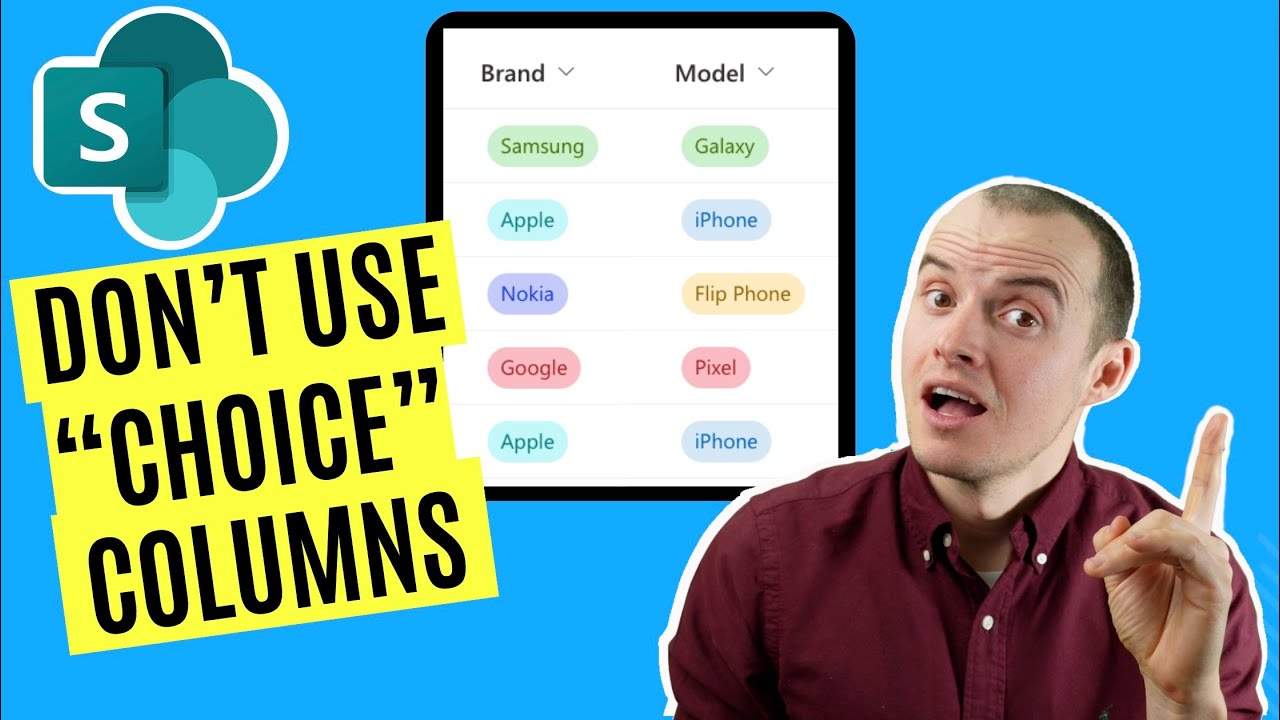
Tagging in SharePoint: Managed Metadata vs. Choice Columns
Tagging data in SharePoint is critical, but just relying on Choice columns can create headaches like bad data and constant updates....
Jan 16, 20252 min read


SharePoint Folders vs Document Libraries vs Document Sets: The RIGHT Way to Store Documents
Storing documents in SharePoint can feel more confusing than it should be. Folders are the most common but that doesn't mean they're the...
Dec 5, 20243 min read


Are Logic Apps cheaper than Power Automate?
Many Developers assume Logic Apps are cheaper than Power Automate because...that's what we've been told. What they're not telling you is...
Oct 27, 20244 min read
bottom of page